Wysiwyg editor
Formatted text, written in the classic WordPress editor (TinyMCE): headings, lists, links and, if you like, images.
In the editor
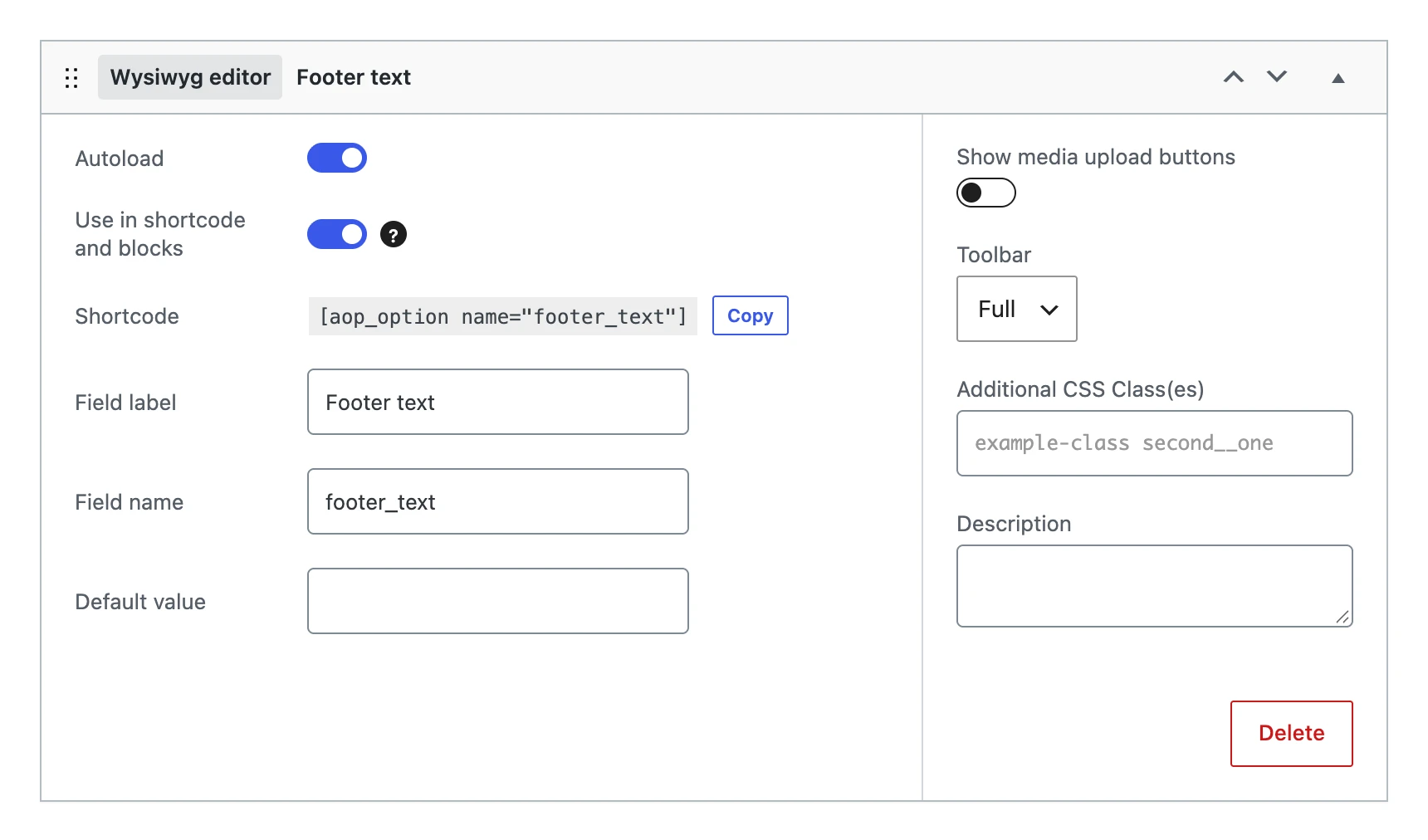
Besides the settings every field shares, a wysiwyg editor has:
| Setting | What it does |
|---|---|
| Default value | The HTML the option gets when you save the menu, as long as it has no value yet. |
| Show media upload buttons | Adds the Add Media button, to put images and files in the text. |
| Toolbar | Full or Basic: the basic toolbar has fewer buttons. |
On the options page
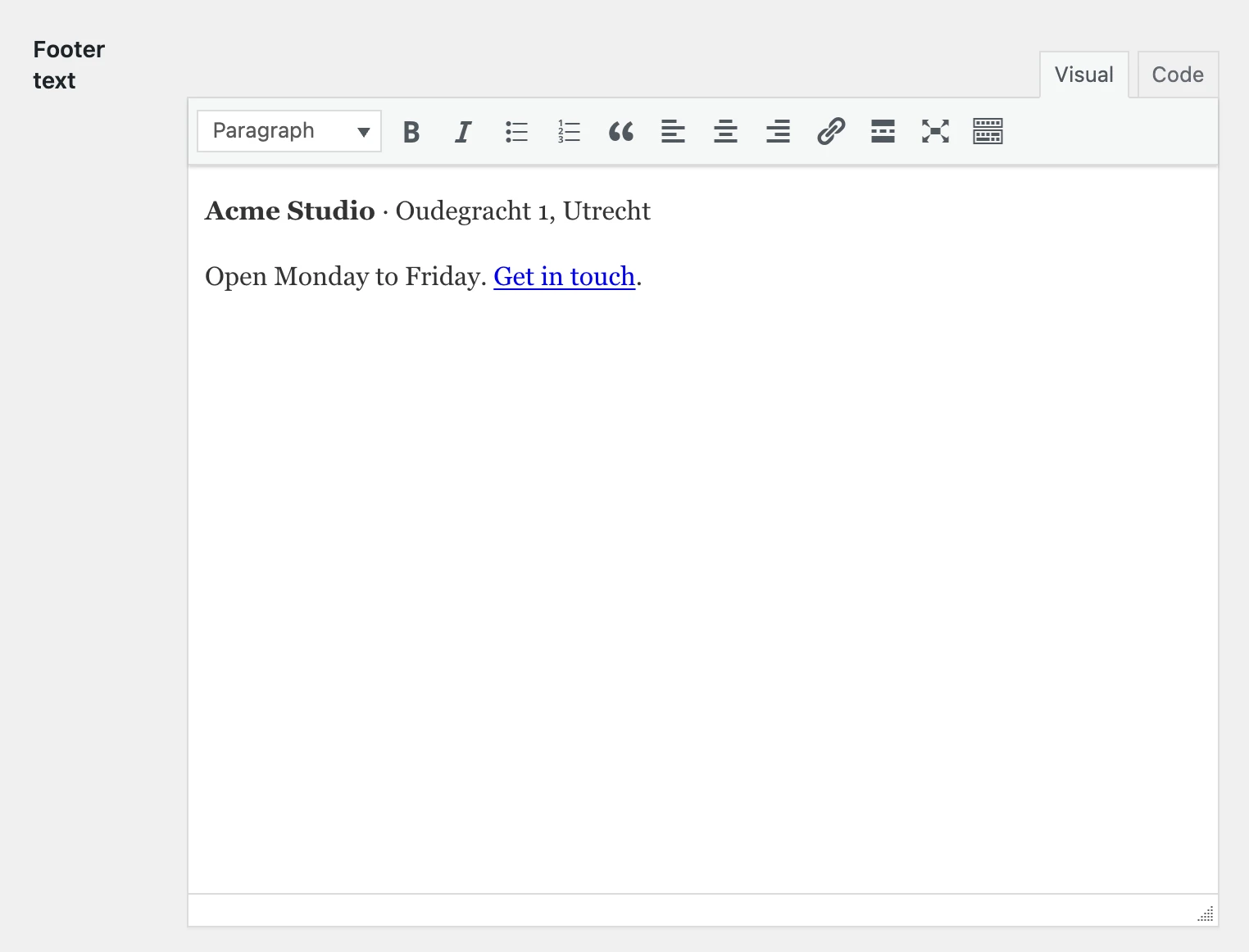
The description is shown above the editor, not below it. The editor has the Visual and Code tabs of WordPress.
The value
Stores HTML, filtered like the content of a post (wp_kses_post()).
To change the settings of the editor itself, such as its height, use the aop_editor_settings_{$option_name} filter.
On your website
The shortcode and blocks show the HTML, with paragraphs. Shortcodes inside the text are not run.
echo wp_kses_post( wpautop( get_option( 'footer_text' ) ) );
[aop_option name="footer_text"]