Number
A number, such as the number of products on a page.
In the editor
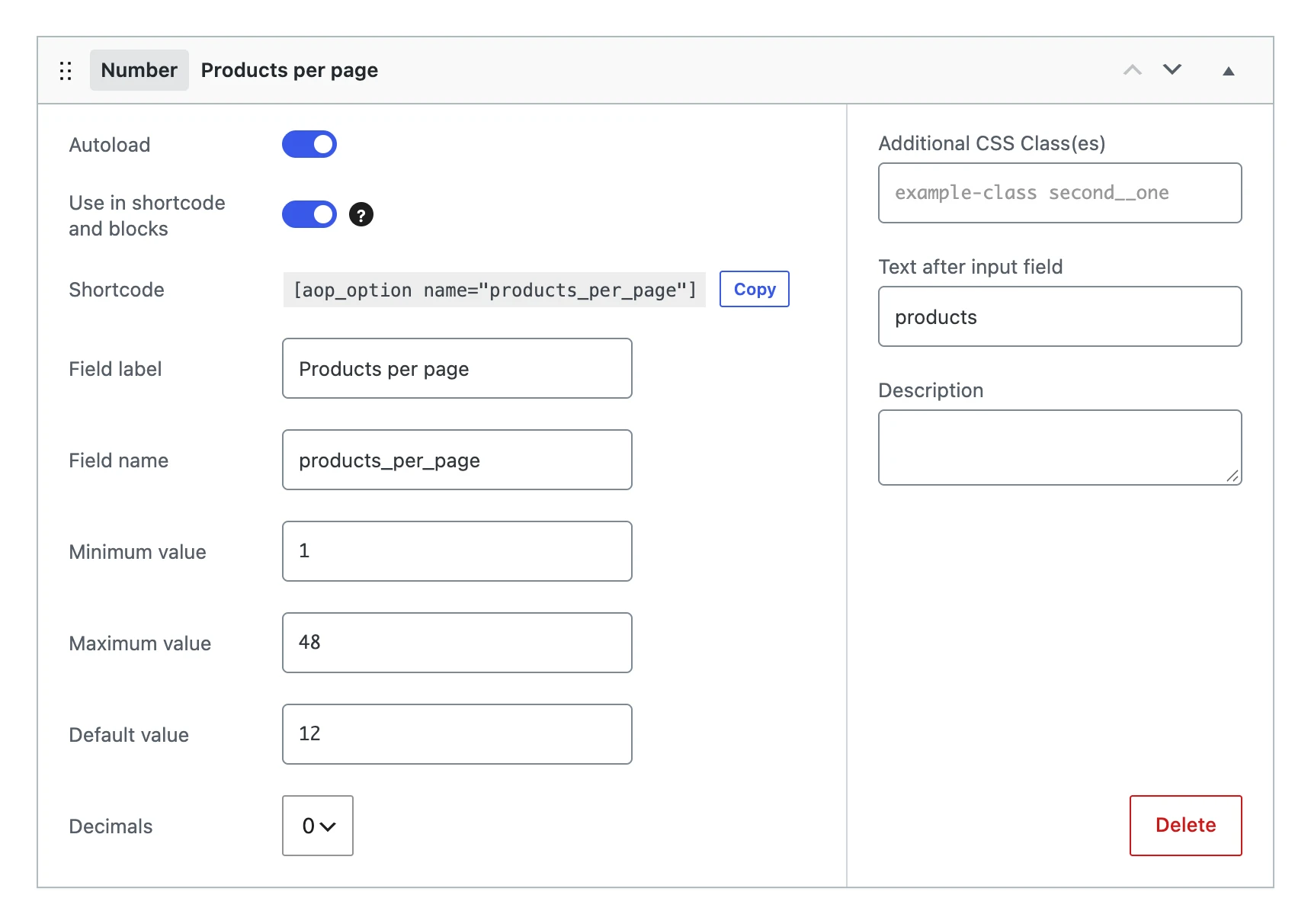
Besides the settings every field shares, a number field has:
| Setting | What it does |
|---|---|
| Minimum value | The lowest number allowed. Without a minimum, the input does not accept numbers below 0. |
| Maximum value | The highest number allowed. |
| Default value | The number the option gets when you save the menu, as long as it has no value yet. |
| Decimals | 0, 1 or 2: how many decimals the number can have. |
| Text after input field | A unit after the input, such as px or products. |
On the options page

The value
Stores the number, rounded to the number of decimals. A number below the minimum or above the maximum is not stored: the option becomes empty.
On your website
The shortcode and blocks show the number in the number format of the site language, with its decimals: 1,234.50 in English, 1.234,50 in Dutch.
[aop_option name="products_per_page"]
$per_page = (int) get_option( 'products_per_page', 12 );