Checkbox
On or off, such as a maintenance notice or a banner you switch on.
In the editor
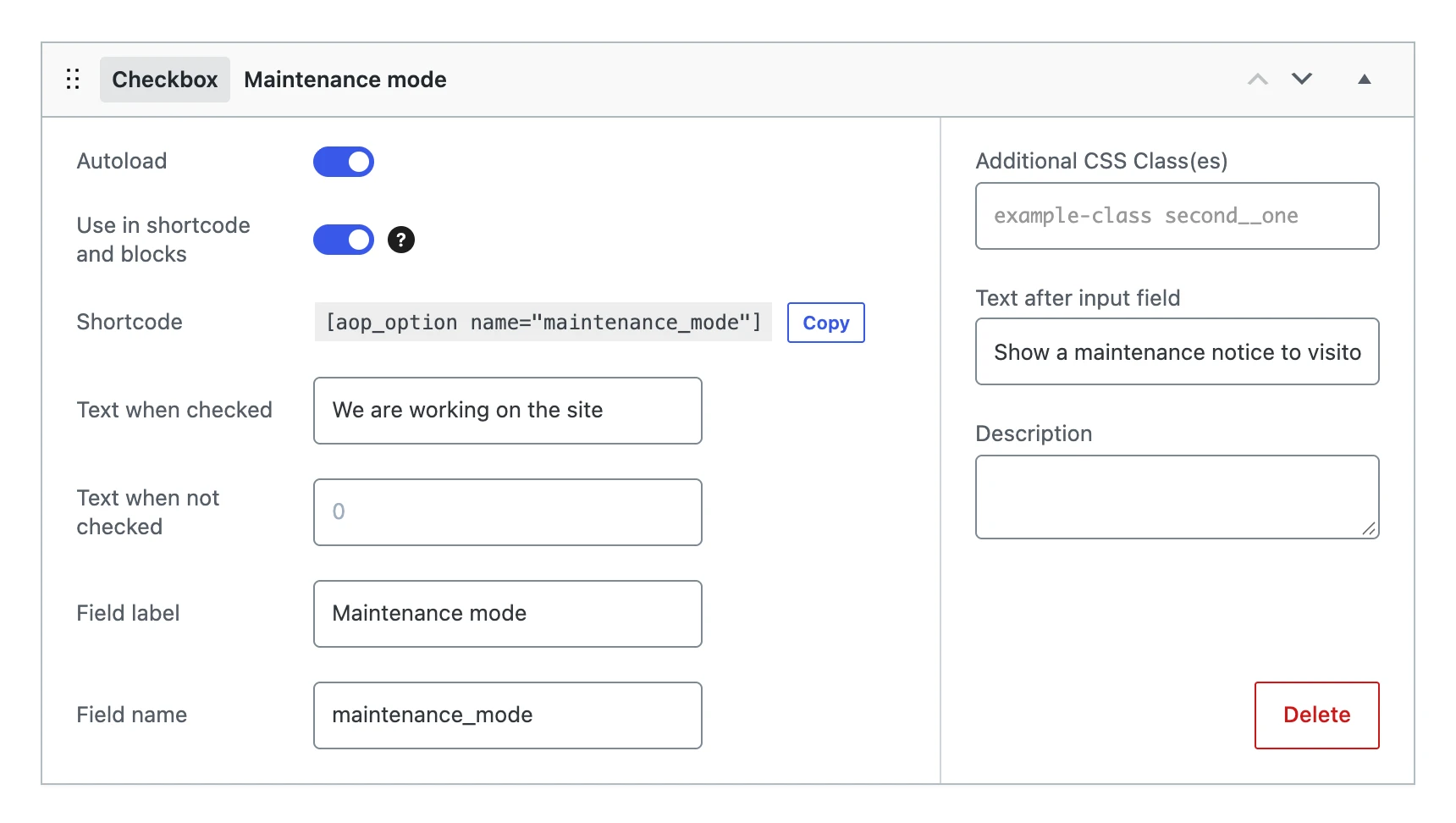
Besides the settings every field shares, a checkbox has:
| Setting | What it does |
|---|---|
| Text when checked | What the shortcode and blocks show when the box is checked. |
| Text when not checked | What they show when it is not. |
| Text after input field | The text next to the checkbox on the options page. |
On the options page

The value
Stores 1 when the box is checked, and 0 when it is not. A new checkbox is not checked.
On your website
The shortcode and blocks show the Text when checked or the Text when not checked. When that text is empty, they show 1 or 0.
[aop_option name="maintenance_mode"]
if ( get_option( 'maintenance_mode' ) ) {
    echo '<p class="notice">We are working on the site.</p>';
}