Range
A number chosen with a slider, such as an opacity or a size.
In the editor
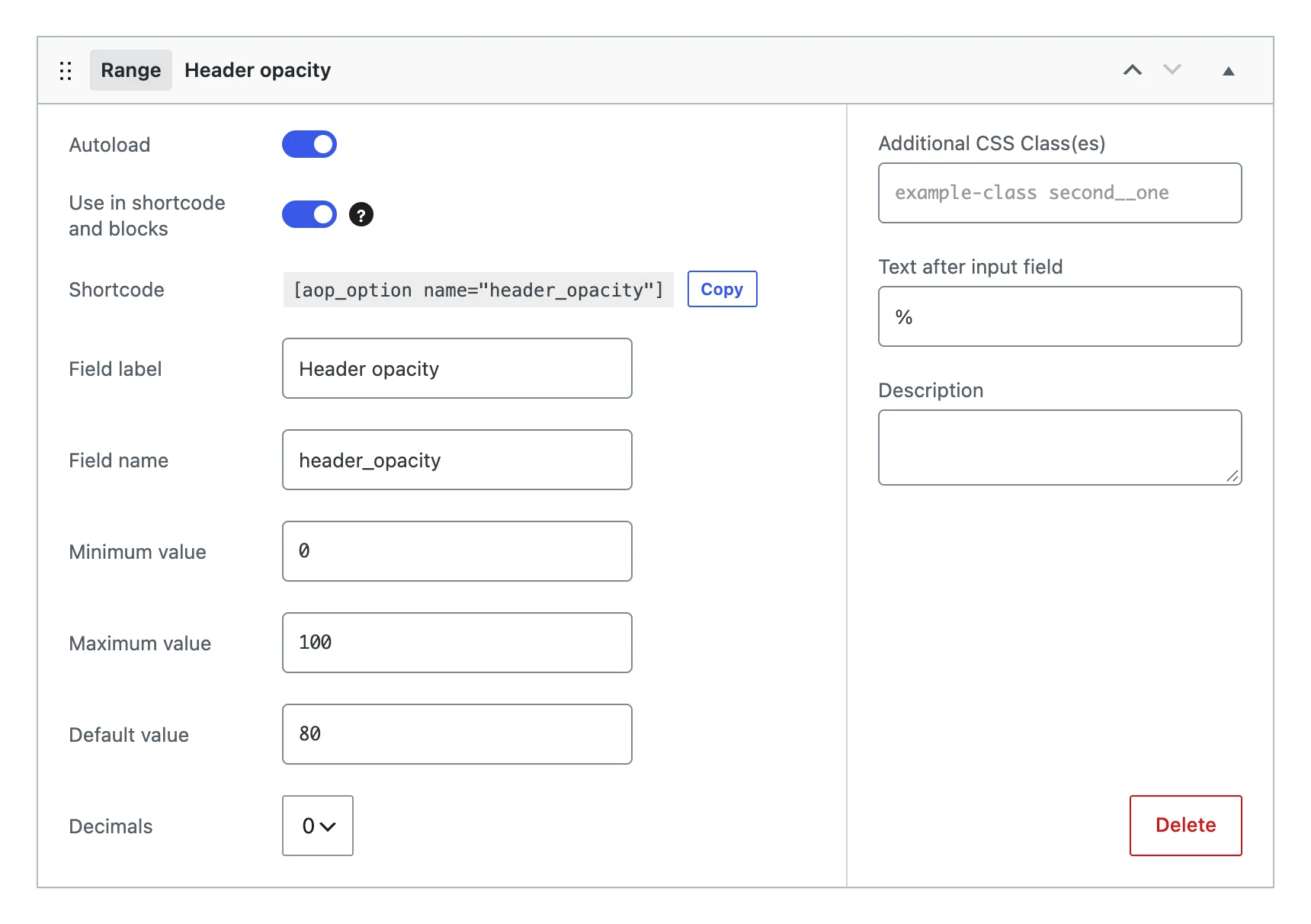
A range has the same settings as the number field: Minimum value, Maximum value, Default value, Decimals and Text after input field, besides the settings every field shares.
On the options page

The chosen number is shown next to the slider, and changes while you drag.
The value
Stores the number, like the number field: rounded to the number of decimals, and empty when it is below the minimum or above the maximum.
On your website
[aop_option name="header_opacity"]%
$opacity = (int) get_option( 'header_opacity', 80 ) / 100;