Select
One choice from a dropdown list, for a longer list such as currencies or countries.
In the editor
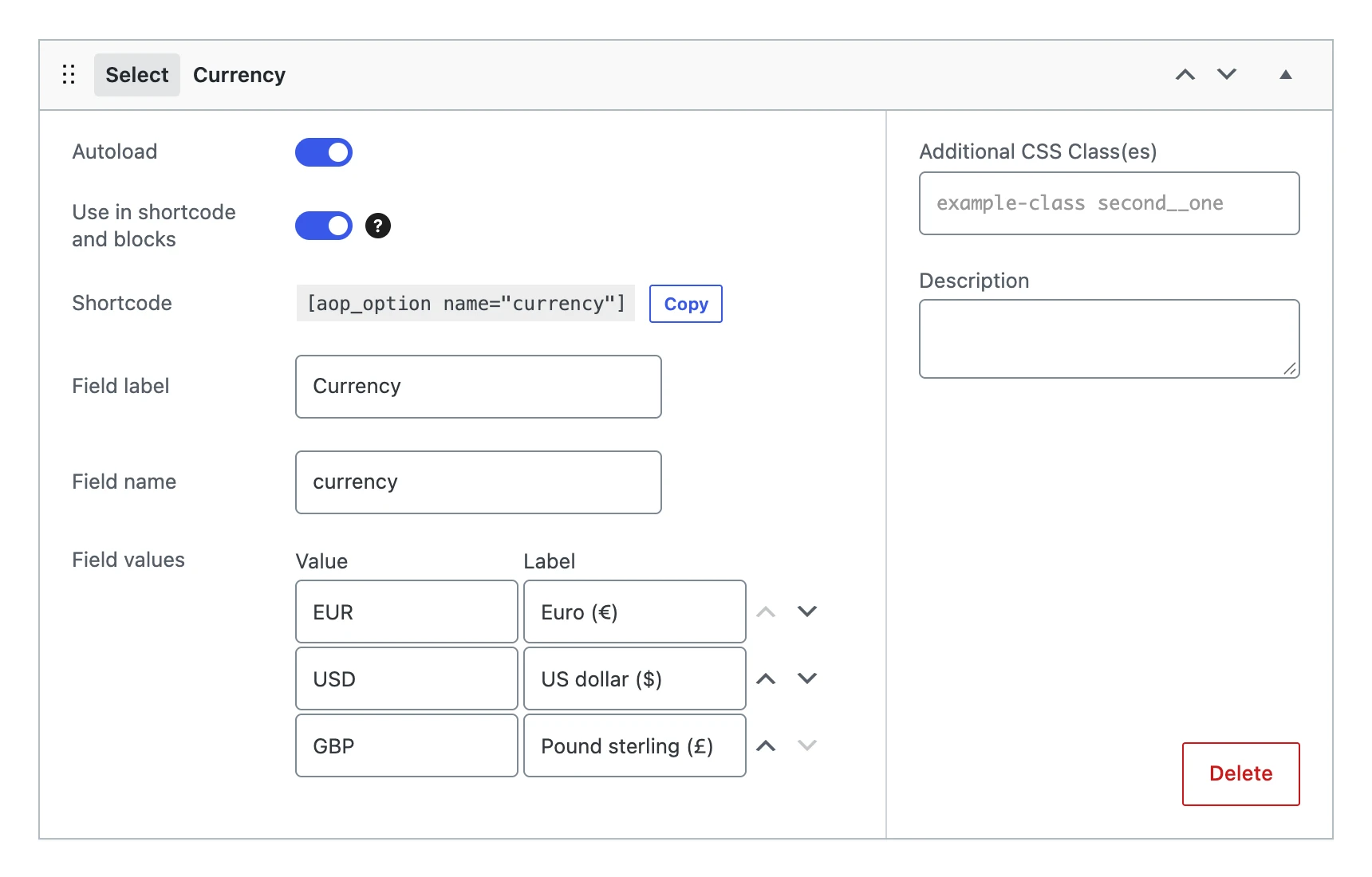
Besides the settings every field shares, a select field has:
| Setting | What it does |
|---|---|
| Field values | The choices. Every row has a value (what is stored) and a label (what you see in the list). Move the rows up or down with the arrows to change their order. |
On the options page

The value
Stores the value of the chosen row, such as EUR, not its label. A value that is not in the list becomes empty.
On your website
Prices in [aop_option name="currency"]
$currency = get_option( 'currency', 'EUR' );