Date and time
A date with a time, such as the moment a sale ends.
In the editor
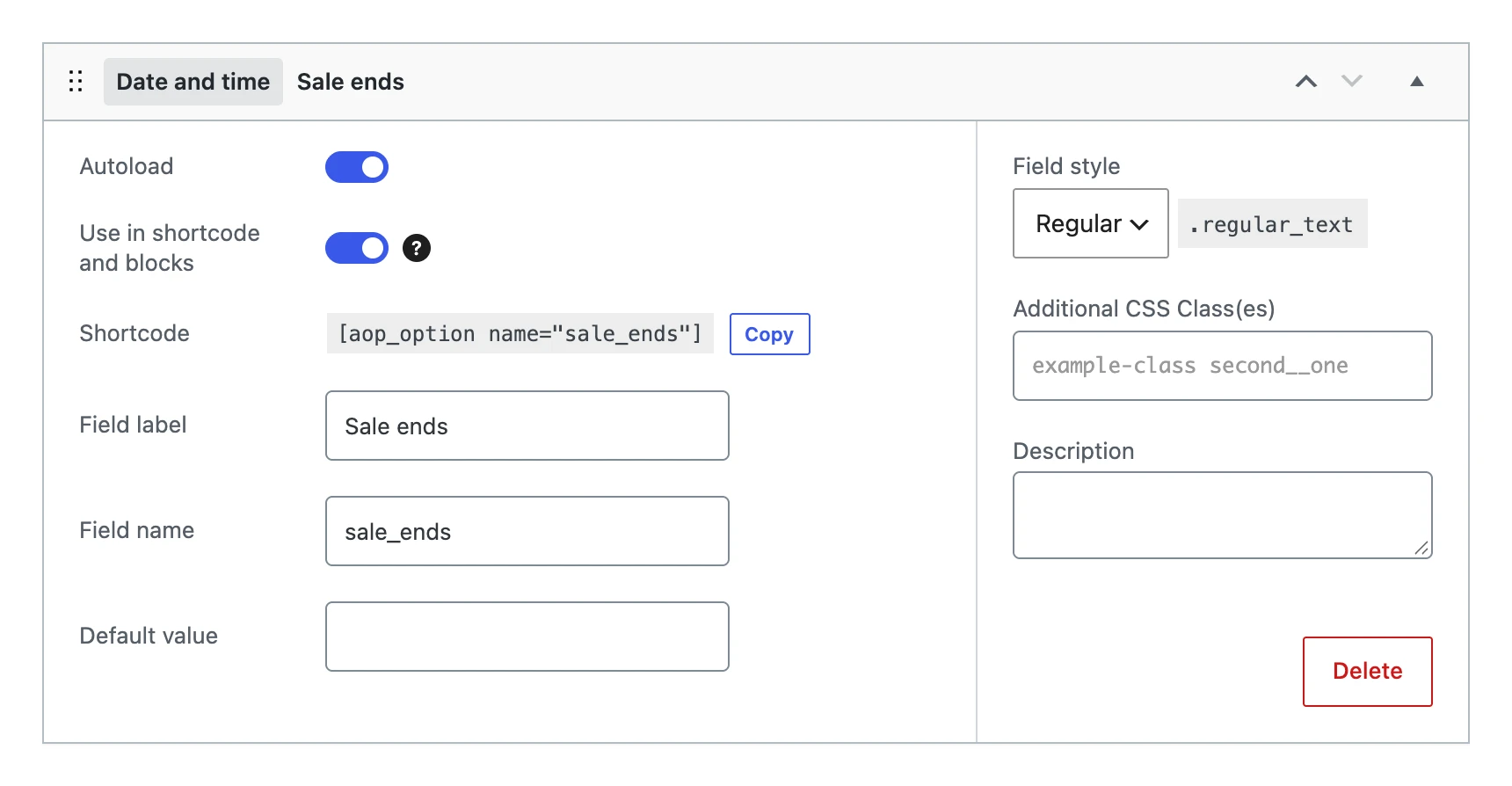
Besides the settings every field shares, a date and time field has:
| Setting | What it does |
|---|---|
| Default value | The date and time the option gets when you save the menu, as long as it has no value yet. |
| Field style | The width of the input: Regular, Small, Large or Options. |
On the options page

The input is the date and time picker of the browser.
The value
Stores the date and time as Y-m-d\TH:i, such as 2026-11-30T23:59, without a time zone: the website reads it in the time zone of the site. A value that is not a date and time becomes empty.
On your website
The shortcode and blocks show the date and time in the date and time formats of the site, or in the format of the shortcode:
The sale ends on [aop_option name="sale_ends" format="j F \a\t H:i"].