Date
A date, such as the next open day or the start of a sale.
In the editor
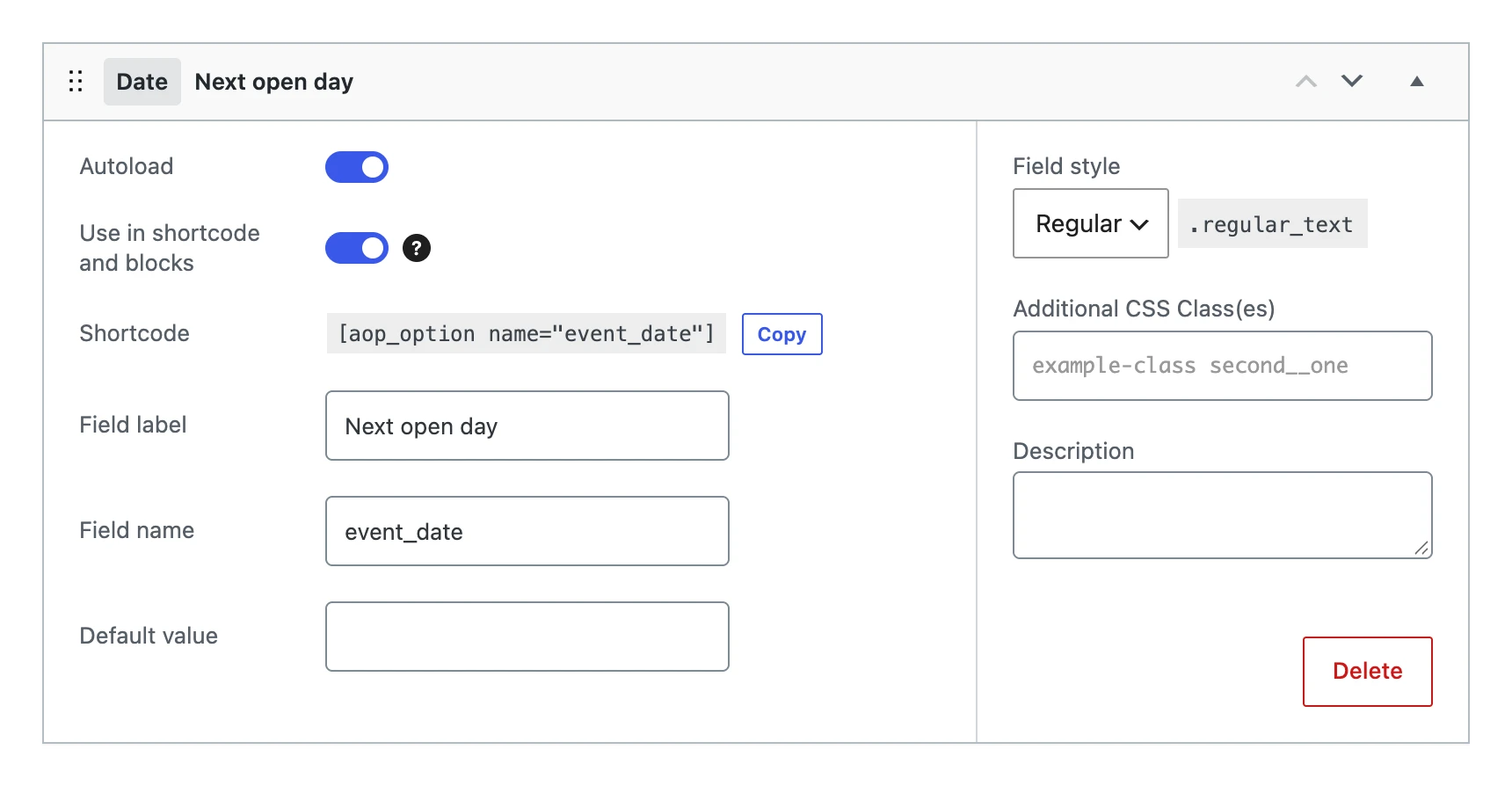
Besides the settings every field shares, a date field has:
| Setting | What it does |
|---|---|
| Default value | The date the option gets when you save the menu, as long as it has no value yet. |
| Field style | The width of the input: Regular, Small, Large or Options. |
On the options page

The input is the date picker of the browser, so it looks a little different in every browser.
The value
Stores the date as Y-m-d, such as 2026-11-14, whatever the date format of your site is. A value that is not a date becomes empty.
On your website
The shortcode and blocks show the date in the date format of the site (Settings → General). The shortcode can use a PHP date format of its own:
Next open day: [aop_option name="event_date" format="l j F"]
echo esc_html( date_i18n( get_option( 'date_format' ), strtotime( get_option( 'event_date' ) ) ) );