Text field
One line of text, such as a tagline, a phone number or a code.
In the editor
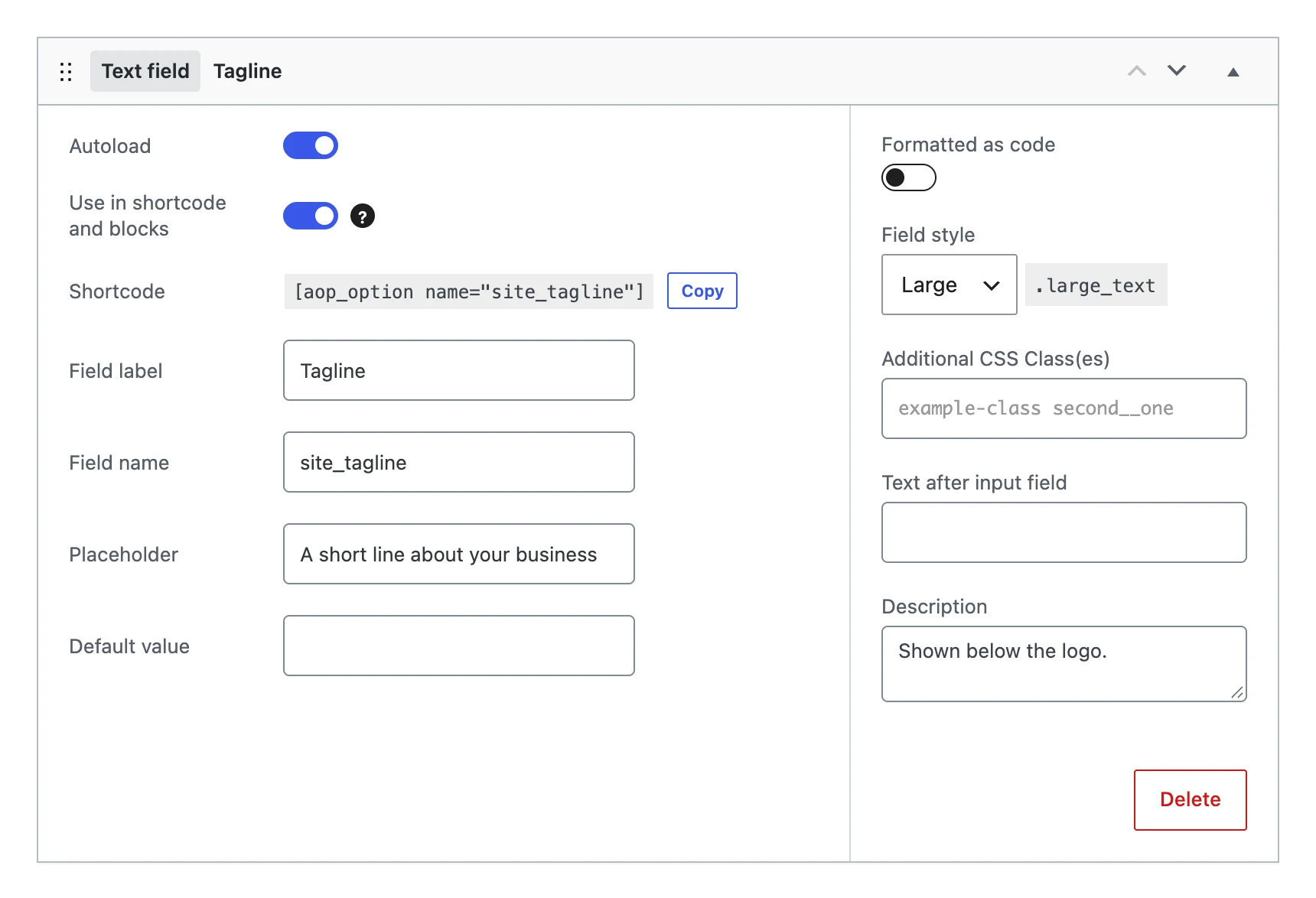
Besides the settings every field shares, a text field has:
| Setting | What it does |
|---|---|
| Placeholder | Grey text in the empty input, as an example of what to enter. |
| Default value | The value the option gets when you save the menu, as long as it has no value yet. |
| Formatted as code | Shows the text in a monospace font, handy for codes and keys. |
| Field style | The width of the input: Regular, Small, Large (the full width) or Options. These are the widths WordPress uses on its own settings pages. |
| Text after input field | A short text after the input, such as a unit. |
On the options page

The value
Stores a string. Links, bold, emphasis and line breaks are allowed; script and style blocks and other tags are removed. When something is removed, the options page says so after saving.
On your website
echo esc_html( get_option( 'site_tagline' ) );
[aop_option name="site_tagline"]