Link
A URL, such as your online shop or a social media profile.
In the editor
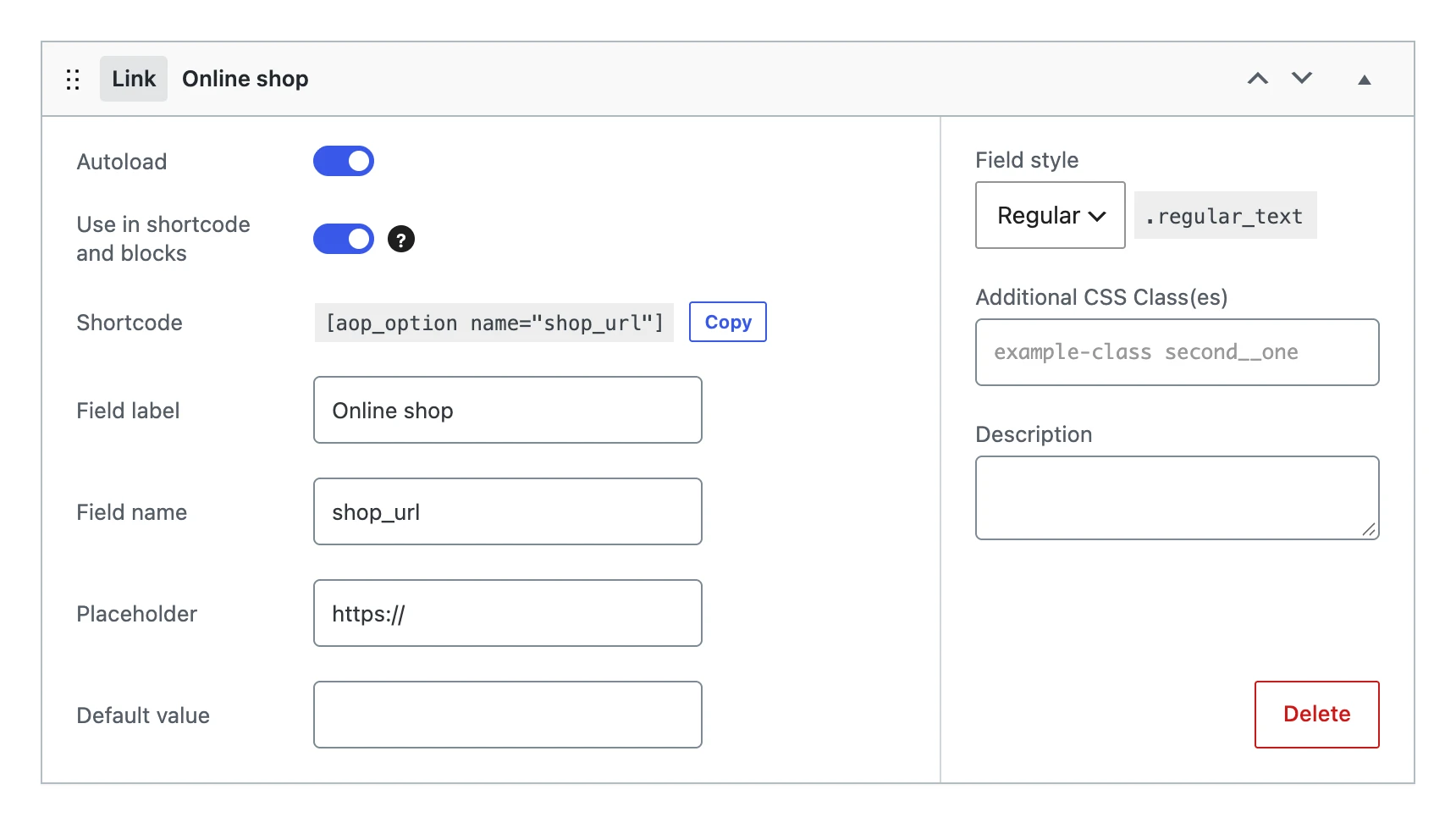
Besides the settings every field shares, a link field has:
| Setting | What it does |
|---|---|
| Placeholder | Grey text in the empty input, such as https://. |
| Default value | The URL the option gets when you save the menu, as long as it has no value yet. |
| Field style | The width of the input: Regular, Small, Large or Options. |
On the options page

The input is a URL input: the browser checks the URL before the page is saved.
The value
Stores the URL, cleaned with esc_url_raw().
On your website
The shortcode shows the URL as text, or as a link with link="1" or a text. Bind it to the URL of a button or a navigation link to make the block link to it.
[aop_option name="shop_url" text="Visit our shop"]
printf( '<a href="%s">Visit our shop</a>', esc_url( get_option( 'shop_url' ) ) );