Button group
One choice from a row of buttons, side by side. Best for two to four short options.
In the editor
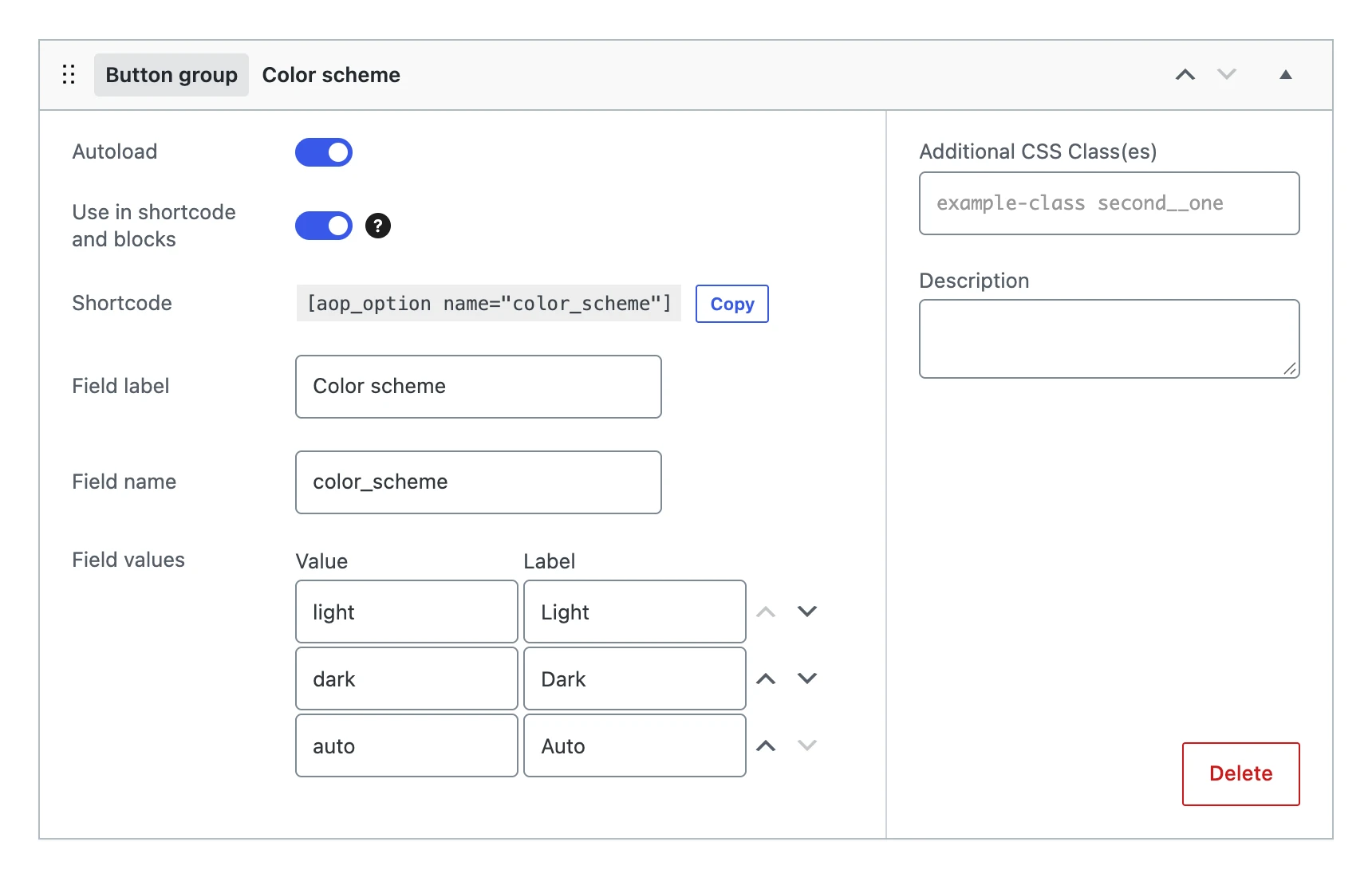
Besides the settings every field shares, a button group has:
| Setting | What it does |
|---|---|
| Field values | The buttons. Every row has a value (what is stored) and a label (the text on the button). Move the rows up or down with the arrows to change their order. |
On the options page

The chosen button has the admin color of WordPress. As long as nothing is saved, the first button is chosen.
The value
Stores the value of the chosen button. A value that is not in the list becomes empty.
On your website
$scheme = get_option( 'color_scheme', 'auto' );

echo '<body data-color-scheme="' . esc_attr( $scheme ) . '">';