Textarea
Several lines of text, such as an introduction or an address.
In the editor
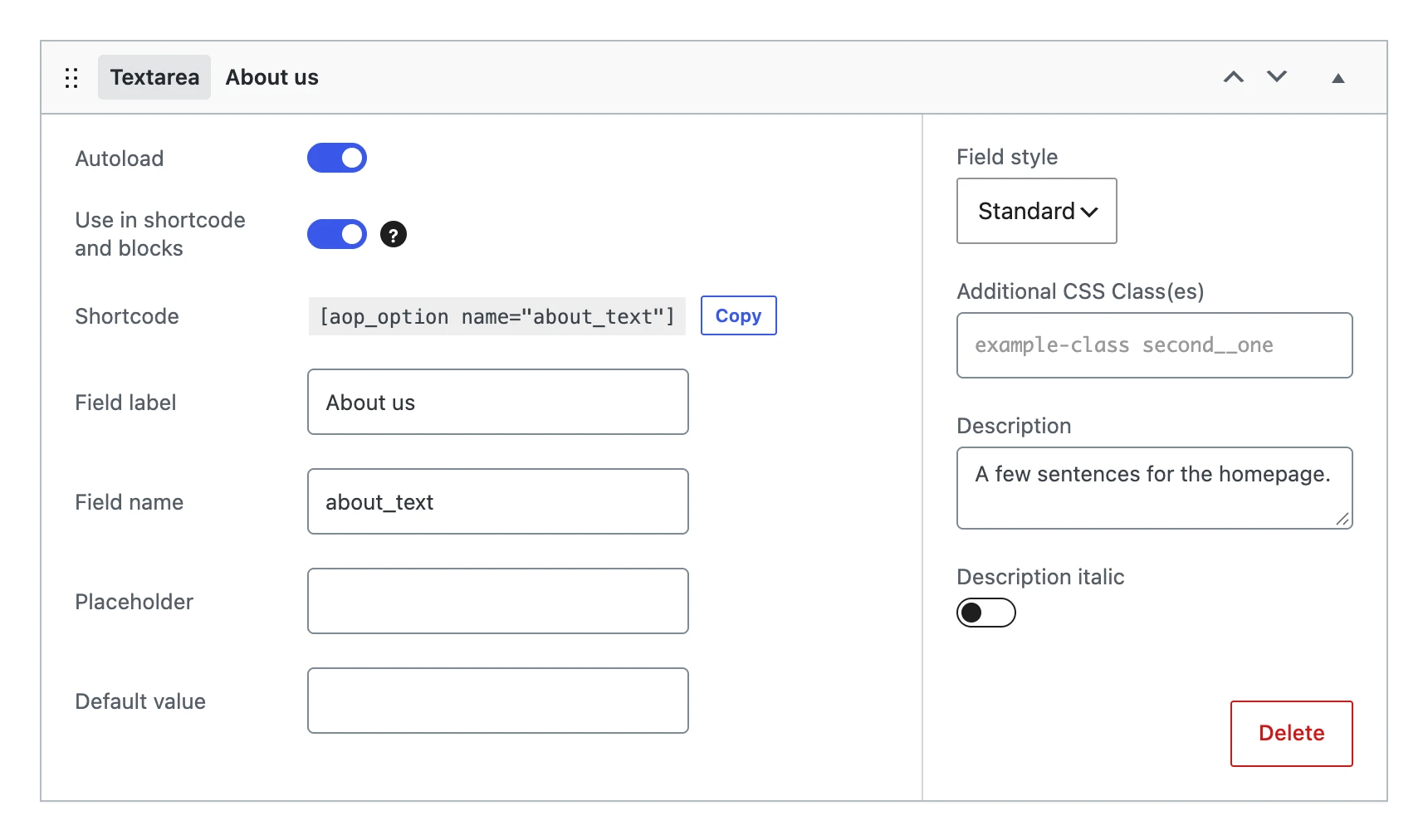
Besides the settings every field shares, a textarea has:
| Setting | What it does |
|---|---|
| Placeholder | Grey text in the empty textarea. |
| Default value | The value the option gets when you save the menu, as long as it has no value yet. |
| Field style | The width of the textarea: Standard, Large (the full width) or Options. |
| Description italic | Gives the description the description class of WordPress: the style of the help texts on its own settings pages. |
On the options page
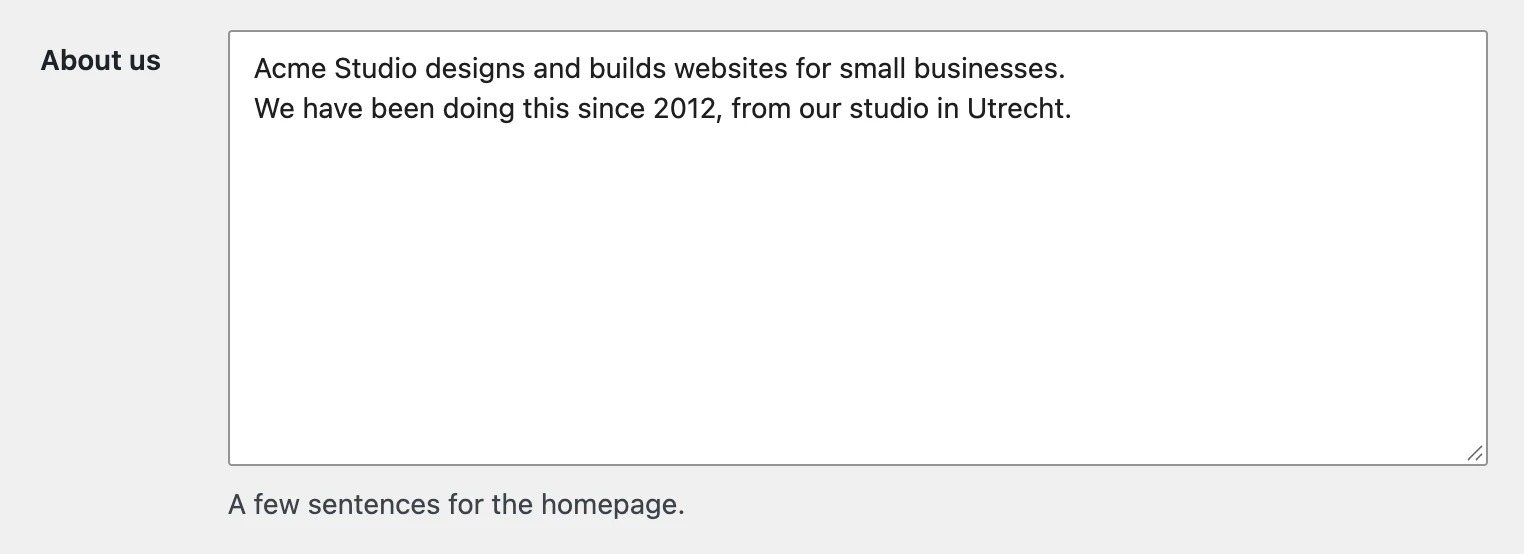
The value
Stores a string, with the line breaks. The same little markup as in the text field is allowed.
On your website
The shortcode and blocks show the text with its line breaks (<br>).
echo nl2br( esc_html( get_option( 'about_text' ) ) );
[aop_option name="about_text"]